
How To Get Started On OneForma
Create your account, complete the setup actions on your dashboard, build an accurate profile, and find suitable jobs.
Getting started on OneForma takes four steps: create and secure your account, complete the setup actions shown on your dashboard, fill in an accurate profile, and apply for jobs that match your expertise.
1. Create Your Account
Open the OneForma sign-in page, enter an email address you can access, complete email verification, and accept the required agreements.
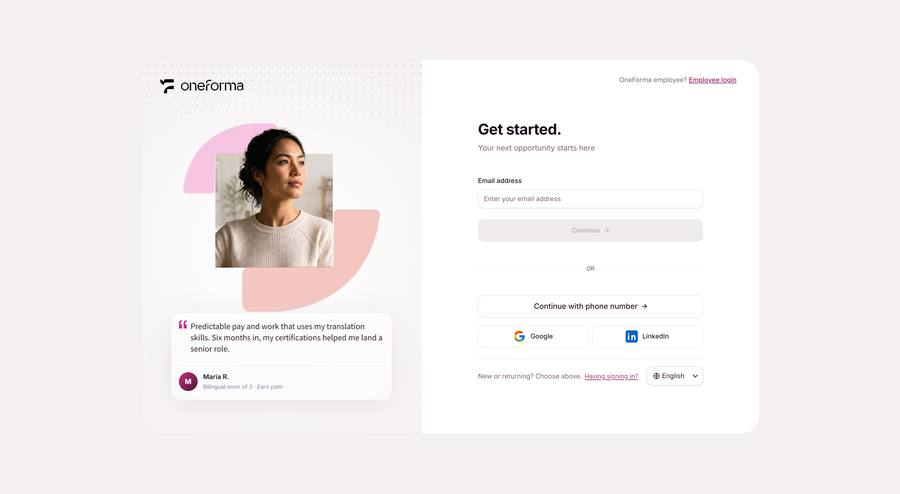
Follow the full account creation guide.
2. Complete Your Next Steps
Your dashboard shows any remaining actions, such as completing your profile, adding a passkey, verifying your identity, or connecting a payment method. Items disappear after you complete them.
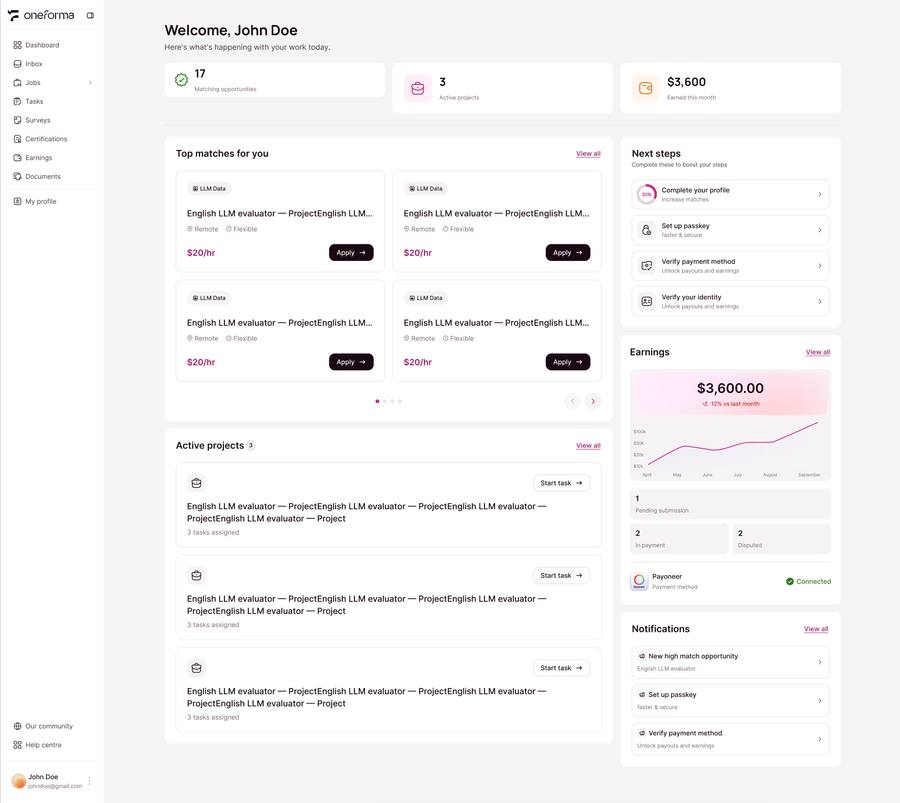
Learn how to use your dashboard and Inbox.
3. Complete Your Profile
Add accurate country, skills, education, languages, work experience, and other information. OneForma uses these details to match you with suitable jobs.
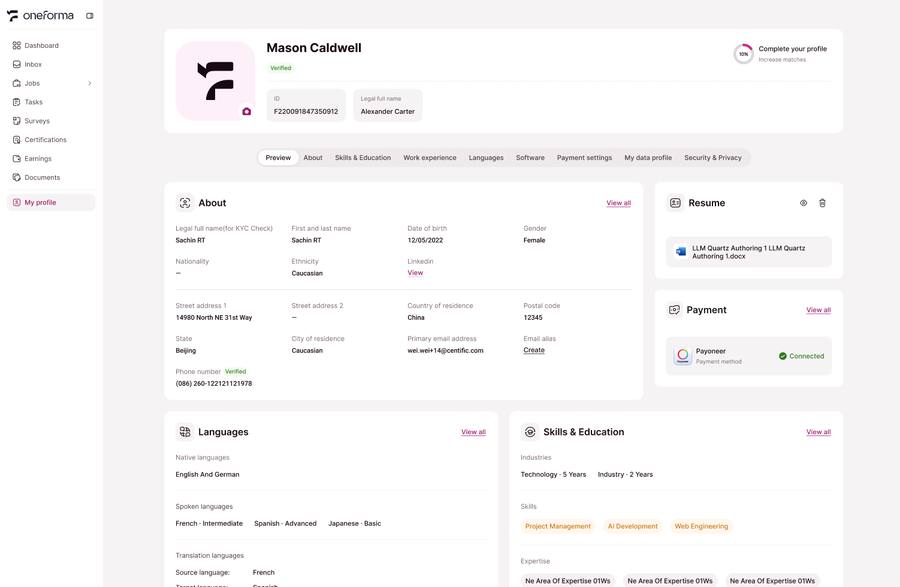
Follow the profile setup guide.
4. Find And Apply For Jobs
Review recommended jobs, use filters to narrow the list, read each job description, and complete every required application step before its deadline.
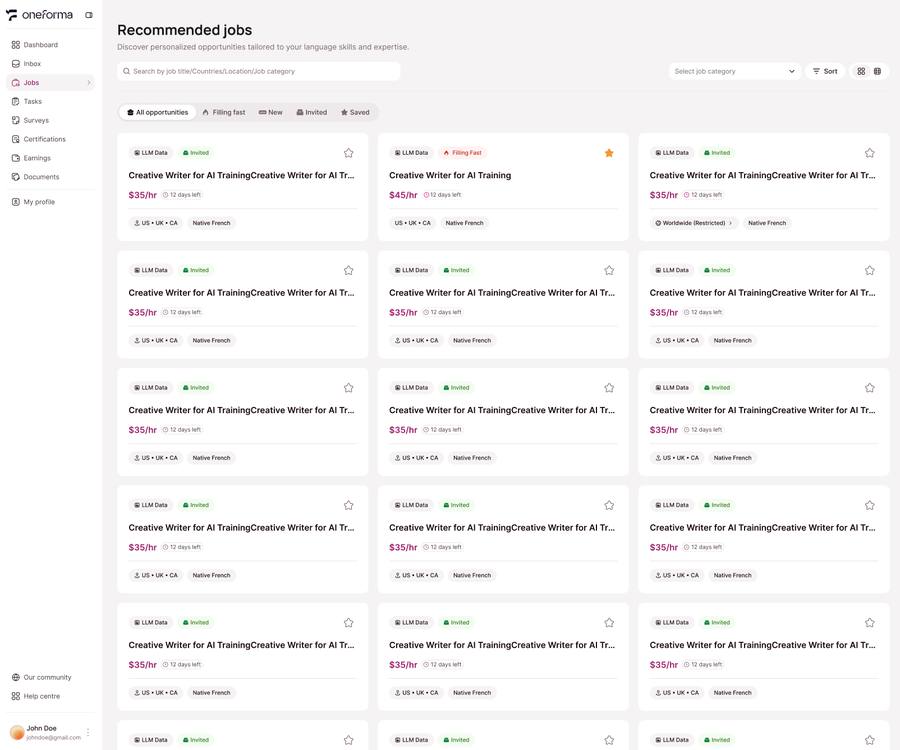
Learn how to find and apply for jobs.