
How To Set Up Languages On Your Profile
Add native and spoken languages and set translation language pairs so OneForma can match you with suitable language work.
Language information is a key part of job matching, especially for translation work. Add only accurate information and review native languages carefully before saving.
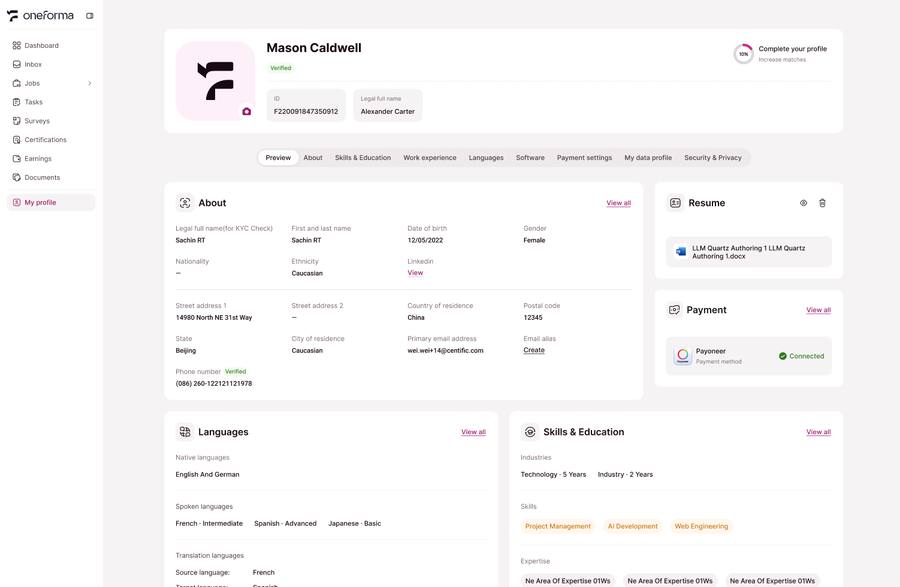
Add Native Languages
Go to Profile → Languages and add the languages you have spoken natively since childhood. You can add up to three native languages. Native languages cannot normally be changed or removed after submission, so check them carefully before saving.
Add Spoken Languages
Add other languages you can use and select an accurate proficiency level for each one. Spoken-language information helps determine which language-related jobs you can access.
Set Translation Language Pairs
Add each translation direction you can work in, such as Spanish → English. Translation jobs are matched to saved language pairs; without the relevant pair, a suitable translation job may not appear.
Need a correction: If a saved field cannot be edited, use the Help Center contact form and explain exactly what needs to change.
For the rest of your profile, see How to Set Up and Manage Your Profile.