
How to find and filter project work
Open Tasks, review your work areas, and use the current type and status filters to find project work.
Use Tasks to find the work areas connected to your OneForma account. The page separates external work platforms from project work managed in OneForma.
Open Tasks
- Sign in to your OneForma account.
- Select Tasks from the main navigation.
- Review the Work Platforms and Project work sections.
Only open a work platform when your project instructions direct you to use it. The tools available to you can differ by project.
Search and filter project work
Use Search project work to enter part of a project name. Open Type to filter by the work types available in the current view.
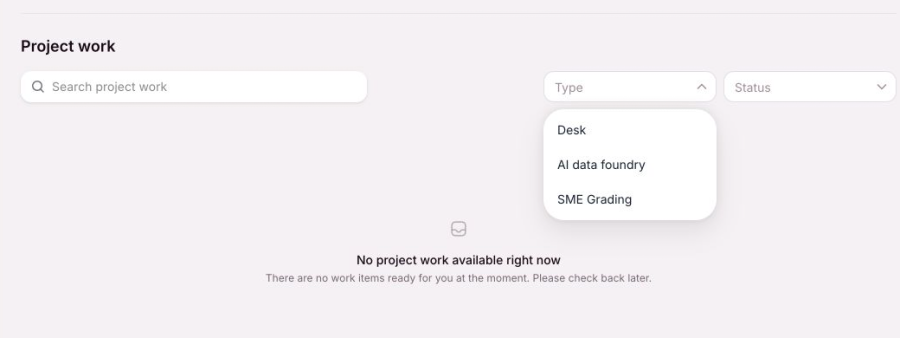
Open Status to filter by New, Completed, or In Progress.

When no project work is available
If no work is ready for your account, the page shows No project work available right now. Clear the search and filters before checking again. If an assigned project is missing, use the Project Related form and include the project name or reference.