
How To Log In To OneForma
Sign in with your email and password, finish any required setup steps, and troubleshoot common login problems.
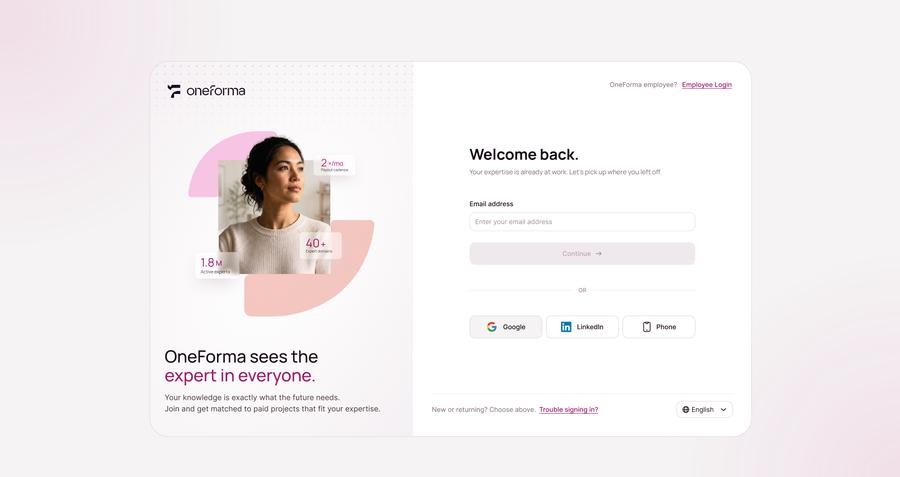
OneForma uses a two-stage email and password flow. Enter your email first so the platform can identify the sign-in methods available for your account.
Start here: Open the official OneForma sign-in page.
Step 1: Enter Your Email Address
Open the official OneForma login page Enter your registered email in the "Email address" field and click "Continue" to proceed to the password step.
Step 2: Enter Your Password
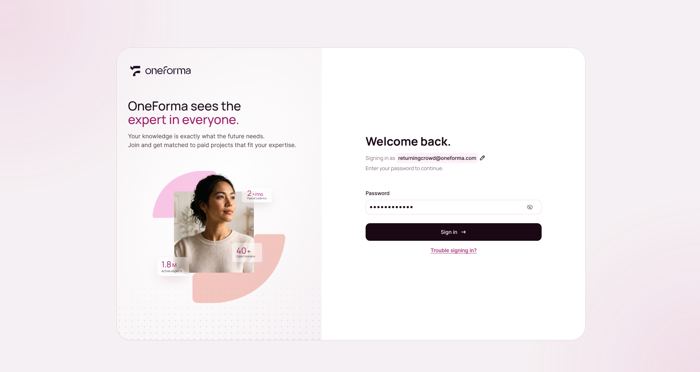
Enter your password and click "Continue". There is no "Remember me" option. Once verified, the system confirms your identity and proceeds to the next step.
Step 3: Finish Setup And Open Your Dashboard
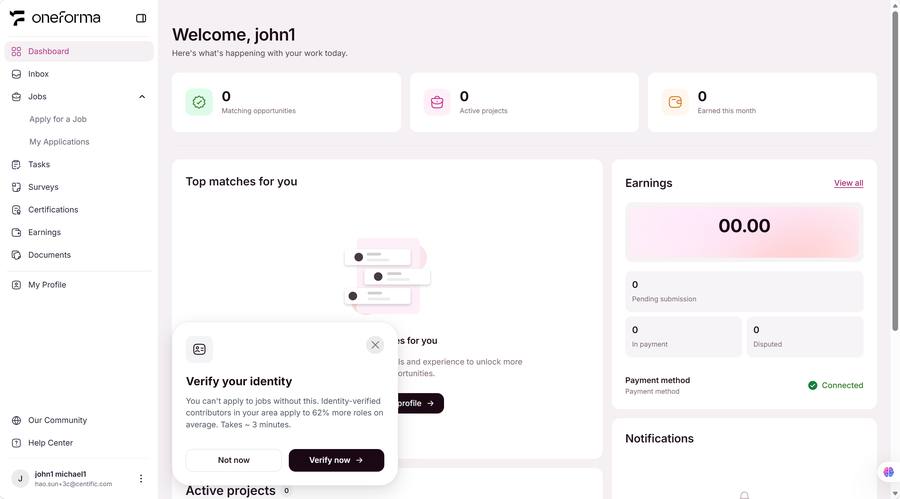
If you have unfinished setup steps (such as setting up a Passkey or signing agreements), those are shown first so you can complete or skip them. After all steps are complete, you are taken to the Dashboard to start working.
Frequently Asked Questions
Why are email and password entered in two steps?
OneForma uses a two-step login: email first to identify the account, then password to verify identity. This lets the system detect SSO or passkey alternatives at step one.
Why am I prompted with unfinished setup steps after login?
If you paused at certain setup steps during sign-up (such as Passkey setup or signing agreements), the system returns you to where you left off after login.
Can unfinished steps be skipped indefinitely?
Most steps (such as Passkey setup) can be skipped repeatedly, but required steps (such as signing agreements) must be completed before you can use the platform normally.
What if my password is incorrect?
You can reset your password by clicking "Forgot password", or use another login method (SSO, Passkey, phone) — provided you have already set those up.
Password is correct but I still can't log in?
Check whether Caps Lock is on, if there are extra spaces, and whether the email is correct. If the problem persists, reset your password or contact the support team.